
For mobile detailers
Detail cars? Find your next opportunity.
Tap2Detail shows approved detailers nearby customer requests. You decide which to take on, and whether to accept the offer or counter it.
Become a detailerHow requests and offers work
- 01
See local customer requests
Customers near you post what they need: the vehicle, its condition, the service, and their offer.
- 02
Choose jobs that fit
Pick the requests that match the services you offer and the area you work in.
- 03
Accept or counteroffer
Take the customer's offer as it is, or send a counteroffer. The customer decides who they book.
Application & approval
Apply in the app. Start once you're approved.
- 1Download Tap2Detail and choose the detailer option.
- 2Complete the detailer application.
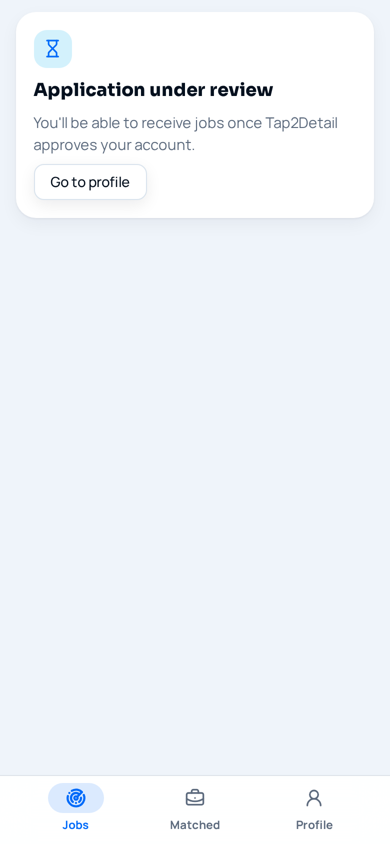
- 3Tap2Detail reviews your application. You can receive jobs once your account is approved.
Downloading the app doesn't by itself give access to jobs — approval is required first.

Join as a detailer.
Download Tap2Detail and choose “I’m a detailer” inside the app to start your application.


Free to download. Growing city by city — service availability varies by location.

